

Adding AI to existing insurance workflows and expecting different results is a common mistake in insurance AI adoption.
When AI is added to a process designed for legacy systems, it inherits every inefficiency already baked in, including steps that existed because of old system limitations, manual handoffs that made sense before automation, data re-entry that nobody questioned because it had always been done that way. AI doesn’t fix those problems. It works around them, or makes them worse at scale.
Take a step back and ask yourself: if we were designing this workflow today, knowing what AI can do, what would it look like?
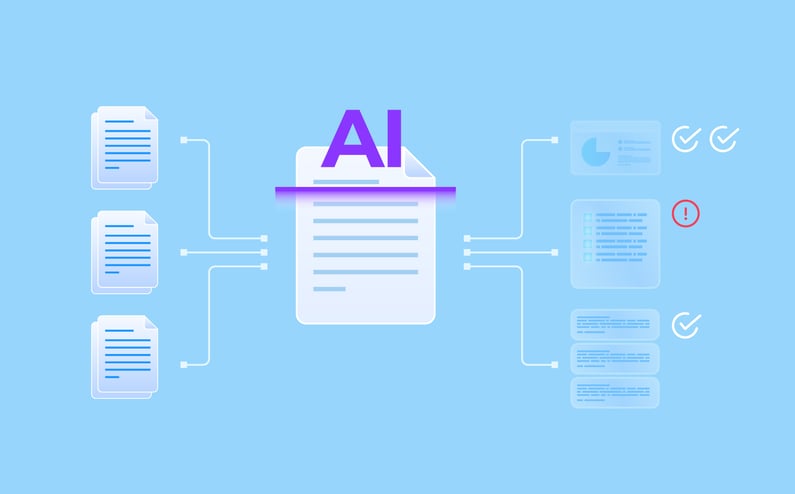
What AI-Centered Insurance Workflows Look Like
The best way to understand the difference between adding AI and designing around it is to walk through the same workflow both ways.
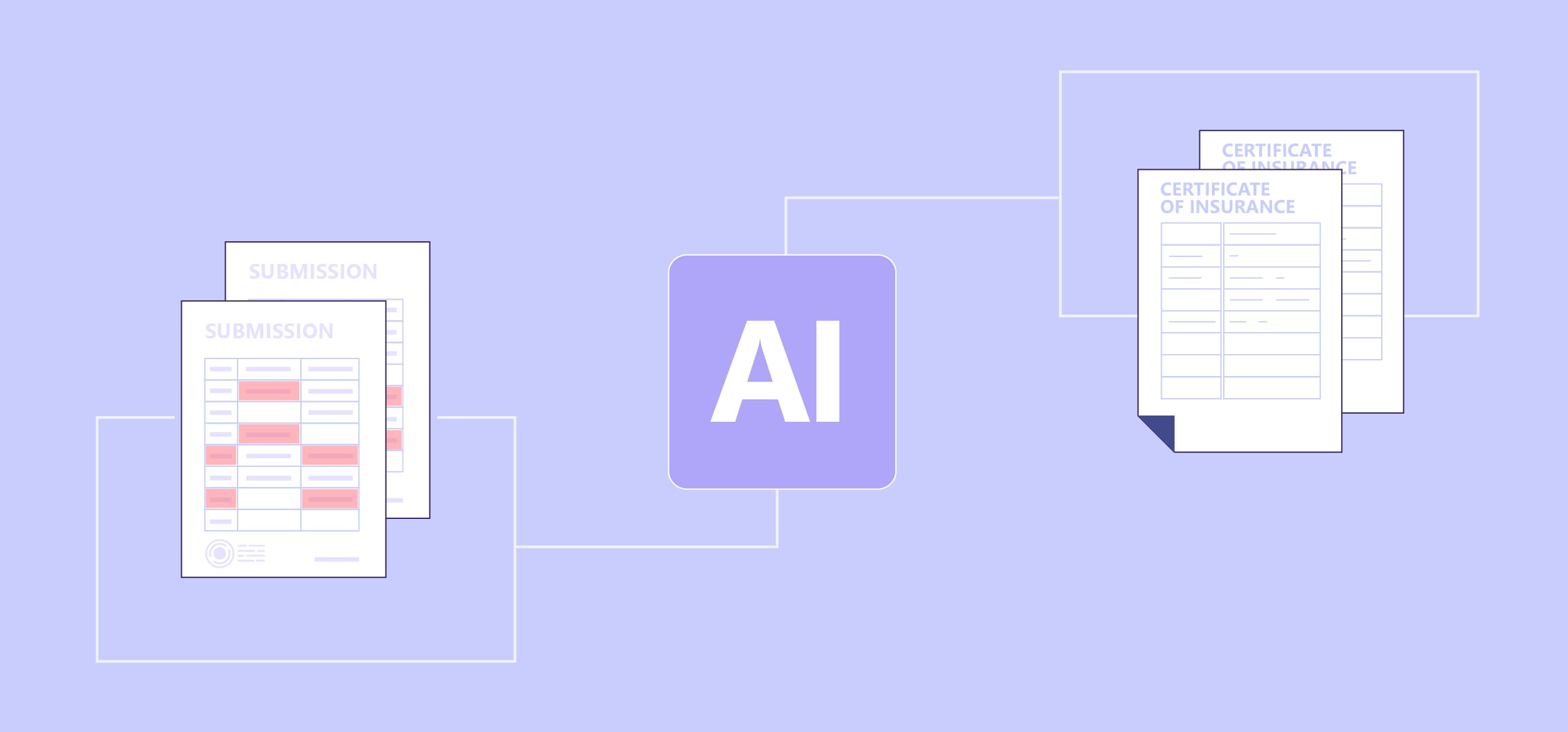
Here are three examples.
In each example, the technology is the same. What’s different is how the workflow is designed around it. That design decision is often the difference between transformational results and incremental ones.
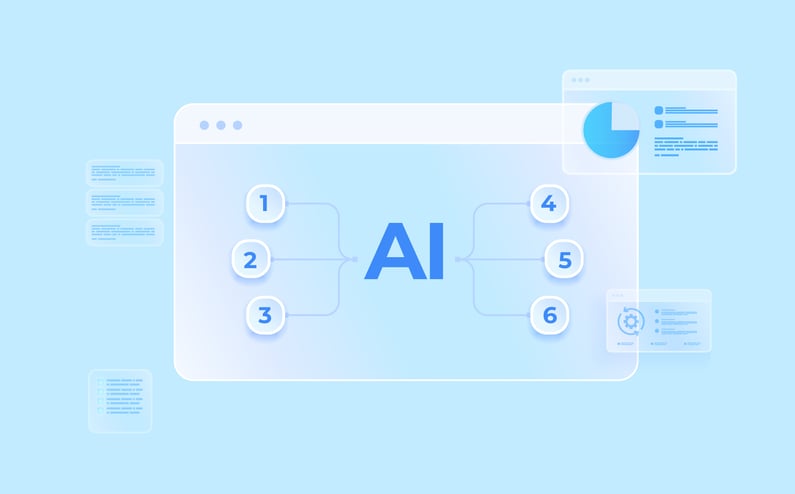
Six Tips for Designing Insurance Workflows Around AI
Redesigning a workflow around AI takes more than good intentions. Here are six tips to help you get there.
1. Redesign the workflow, not just the technology.
Ask which steps exist only because of old system limitations. If a process requires duplicate data entry, manual handoffs, or rework, fix that first. AI should inherit a clean workflow, not a complicated one.
2. Simplify before you scale.
AI performs best in structured, consistent workflows. Before implementation, look for complexity that no longer serves a purpose. In claims indexing, for example, does it make sense to maintain 25 document categories when 10 would cover the vast majority of cases? Simplifying inputs, classifications, and decision paths improves accuracy and speeds up adoption.
3. Use AI across the full workflow, not just one step.
Many teams underuse AI because they treat it like a single-purpose tool. AI can validate inputs, cross-reference information, identify patterns, and route work based on context and rules. It can prepare work so your team is reviewing, not building, each transaction. That’s what insurance workflow automation looks like when it’s working – AI handles the volume so your team handles the judgment. Limiting it to one step is leaving most of the value on the table.
4. Make AI a built-in part of your insurance workflow.
If teams can choose whether to use AI, many won’t. Not consistently, anyway. Build it into the workflow so it’s not a choice. When it’s optional, it gets skipped. When it’s part of how work gets done, it becomes the default.
5. Address adoption and change early.
Even a well-designed workflow can fail if teams don’t trust or use it consistently. Communicate clearly how AI fits into the process and what’s expected. Provide training, set standards, and reinforce usage. Adoption doesn’t happen by default. It happens when leaders actively manage the change.
6. Expect your insurance workflow to evolve.
What looks right in design will change once your team is actually using it. Build workflows with the expectation things will shift. As AI processes real submissions and claims, you’ll see steps that can be eliminated, decisions that can be refined, and patterns in where exceptions occur. For the best long-term results, treat your workflows as living processes, not fixed designs.
These six tips won’t all apply equally to every team or every workflow. But the underlying principle is the same across all of them. The more deliberately you design around AI, the more value you’ll get from it.
Redesigning workflows around AI is a business decision that requires leaders to question how work actually moves through their organization, challenge what’s always been done a certain way, and set new expectations for their teams.
If you’re preparing for an AI implementation, or trying to get more value from one already in place, start with the workflow. The technology will follow.