

When a new underwriter, adjuster, or account manager starts, someone decides which files and systems they can open on day one. Insurers have spent years matching each person's access to the work they do. AI agents, the software that reads submission, claim, and policy data and acts on it, now need the same treatment.
AI agent access controls are the rules that decide what data each AI agent can read and what actions it can take. Give each AI agent a defined job and keep it inside one line of business or client. Keep testing apart from live work, log every action, and review access on a schedule.
This matters more each year as AI moves from pilots into daily work. That's true at carriers, brokers, managing general agents (MGAs), and third-party administrators (TPAs). The more work AI handles, the more its access shapes your overall security. Access controls are one layer of a broader plan for managing AI security in insurance, and they're one of the easiest layers to get right.
Insurance AI Should Follow the Access Rules Your Team Already Follows
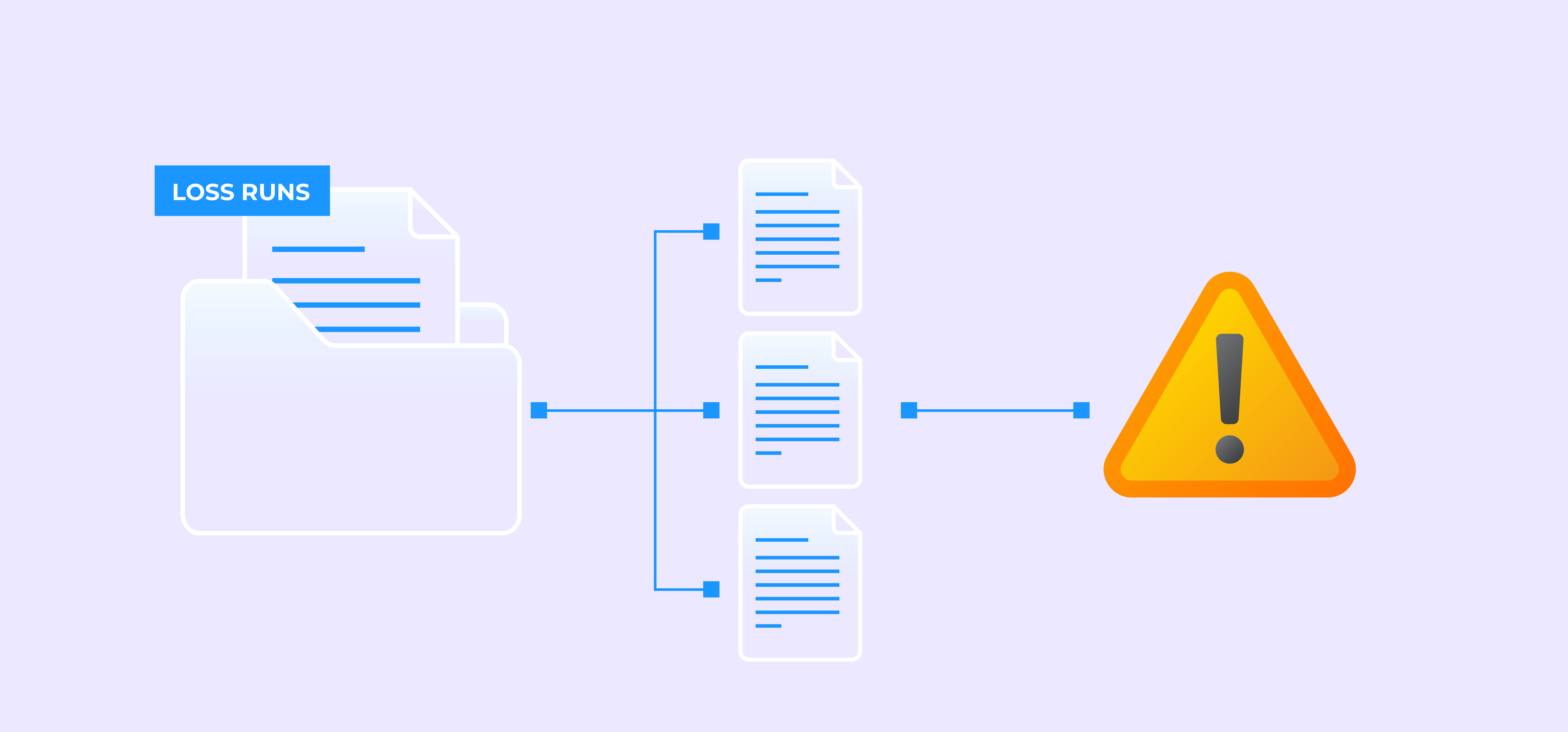
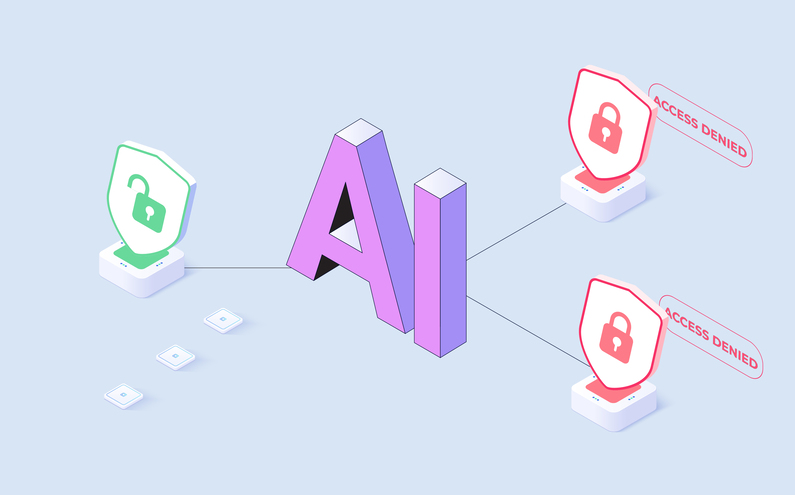
The simplest way to set up access for insurance AI is to treat each AI agent like a new team member with a specific job. Security teams call this least privilege, which means granting only the access a task requires and nothing more. An AI agent that indexes claim files needs those files. It doesn't need underwriting data or payment systems. The same goes for an AI agent that reviews submissions. It needs the submission and loss runs, not the claim file.
Regulators already expect this for people. New York's Department of Financial Services addressed it in its guidance on AI-related cyber risk. The guidance says companies it regulates must limit each user's access to what their job requires and review access at least once a year. Even outside New York, it's a useful benchmark. Holding AI agents to the same standard keeps your program consistent and makes it easier to explain.
What Do Strong AI Agent Access Controls Include?
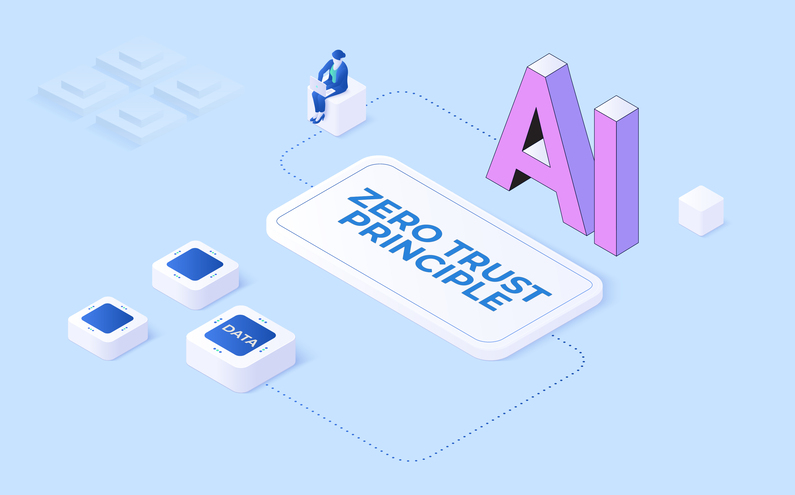
Strong AI agent access controls work in layers. Each layer adds its own safeguard, so no single setting has to do all the work. Many security teams build on zero trust principles, which verify every access request instead of trusting anything by default. Here's what that looks like in practice.
-
Each AI agent works inside a defined boundary, such as one line of business or region. For a broker or TPA, that boundary is often a single client. For an MGA, it's often a single program. Access outside that boundary stays off unless someone grants it on purpose.
-
Role-based access control, or RBAC, assigns permissions to the people around the AI based on their jobs. The person who builds a workflow and the person who reviews AI output each see only what their role requires.
-
Testing stays separate from production, the live environment where your team works real claims and submissions. AI agents in testing use test data and test credentials. Only published workflows run in production, and test credentials never reach it.
-
Encryption protects credentials such as API keys, and logs never show them. An API, or application programming interface, is the connection between two systems.
-
Permissions cover actions too, not just data. An AI agent that reads loss runs doesn't need permission to update the policy system. OWASP, a nonprofit that publishes widely used security standards, includes excessive agency in its Top 10 risks for applications built on large language models. Excessive agency means giving AI more permissions than a task needs, and OWASP's guidance is to grant only the functions and permissions each task requires.
-
A log records every access and change, along with who made it and when.
Together, these layers keep each AI agent within its job and leave a record of everything it touches. IT typically sets up credentials and environments, while the business owner of each workflow decides which data the AI agent needs.
Well-Defined Access Helps Responsible AI in Insurance Scale Faster
Setting AI agent access early makes it easier to add AI, not harder. When a pilot runs in a separate space, expanding to the next line of business means copying a setup you've already tested. Your team doesn't have to rebuild security for every new use case.
Day-to-day upkeep gets simpler too. Access reviews move quickly when roles and logs show exactly who can see what. Offboarding takes minutes when you tie access to a role instead of to individual settings.
That same record does double duty during audits and exams. A traceable audit trail is one of the core metrics for measuring AI governance, and role-based access is what makes that trail easy to read.
5 Questions to Check How Your AI Access Is Set Up Today
A short review of your AI agent access controls shows where you stand and where to focus first. Bring IT and compliance into the same conversation as the business owner of each workflow. Each one sees a different part of the picture.
-
Does each AI agent stay inside one boundary, or does it share broad access with other workflows?
-
Can you name every system and data set each AI agent can reach?
-
Do you limit access by line of business or client by default?
-
Are testing and production fully separate, including credentials?
-
When did someone last review access for AI agents and reviewers, and is there a record of it?
If an answer takes more than a few minutes to find, start there. Most teams find the fixes are small once the gaps are visible.
AI agents do their best work when you set their boundaries from the start. Make access part of designing the workflow, and settle it before an AI agent goes live. Then each new AI agent starts with the right access already in place, and your team spends its time on the work instead of on cleanup.