


Product
Build an Insurance AI Agent on the Canvas
Watch an FNOL intake and claim setup agent get built on the Bevaya canvas from an SOP and an API spec, tested in staging, and fixed.
Video not playing? Switch video player.
About this video
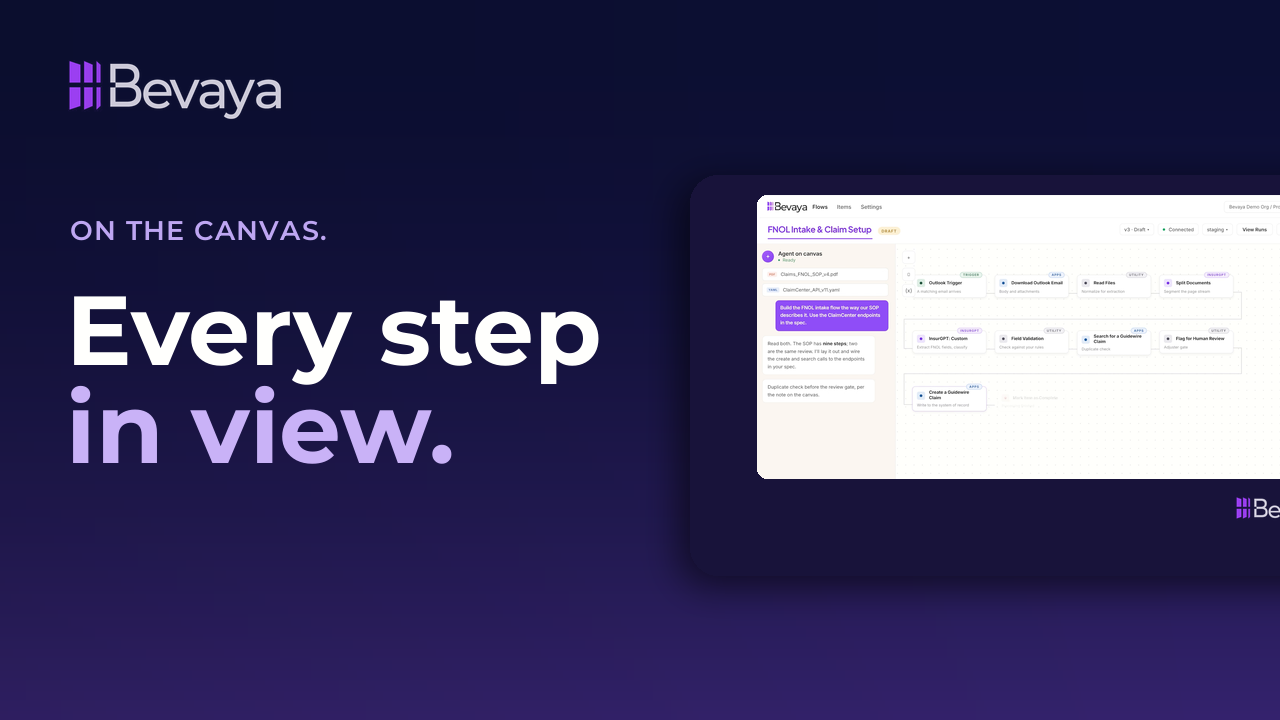
In Bevaya, you build an insurance AI agent on an open canvas where every step stays in view. This short product video starts with six node types, then hands the canvas agent a claims FNOL SOP and a Guidewire ClaimCenter API spec. The agent reads both, lays out the flow, and wires the calls to your endpoints.
A test run in staging shows what each step received and produced. When the duplicate check finds two claims for one insured, the agent adds a branch so one match updates the claim and more go to a person for review. None of it touches production, which only runs published versions. It's for claims, operations and IT leaders at carriers, MGAs and TPAs.
Key takeaways
Six node types build every agent
Triggers bring work in, apps reach your systems, utilities and actions do the work, controls branch, and InsurGPT reads and decides.
The canvas agent builds from your SOP
Hand it your standard operating procedure and API spec, and it lays out the flow and wires the calls to your endpoints.
Test runs show where a flow breaks
Every step reports what it received and produced, so a failed step shows exactly why it stopped.
Production only runs published versions
Drafts and staging use their own variables and secrets, and every published flow is a version you can roll back.
Full transcript
This is where an agent gets built. On a canvas, in the open, not buried in code. Six categories. Triggers bring work in. Apps reach your systems. Utilities do general work. Actions manipulate data. Controls branch and loop, and InsurGPT reads and decides.
But you don't have to place them yourself. Hand the agent on canvas your standard operating procedures and your API specs and tell it what you want. It reads both, lays out the flow, and wires the calls to your endpoints. Then every node is yours to open. Consider what these nodes are instructing your AI agent to do here. Classification, extraction, routing, review, decision-making, and writing back to your systems.
Then run it on a real file in testing or staging. Every step reports what it received and what it produced. In this case, step seven stopped and it shows you exactly why. The duplicate check found two claims for this insured, but the flow had a path for only one. So add a branch or ask the agent on canvas to do that. One match updates the claim. More than one goes to a human for review. Then run it again.
And none of that touched production. Every published flow is an immutable version. So you can roll back anytime. Draft, test, staging, production, each with its own scoped variables and secrets. So test credentials never reach a live system. Production never runs a draft. You can see it. You can change it. You own it.
Frequently asked questions
How do you build an insurance AI agent in Bevaya?
You build it on the Bevaya canvas, either by placing nodes yourself or by handing the canvas agent your SOP and API spec. The agent reads both, lays out the flow, and wires the calls to your endpoints.
Can an AI agent be built from a standard operating procedure?
Yes. In the video, the canvas agent reads a claims FNOL SOP and a Guidewire ClaimCenter API spec, then builds the intake and claim setup flow from them. Every node stays open for your team to review and change.
How do you test an insurance AI agent before it goes live?
You run it on a real file in a test or staging environment. Every step reports what it received and what it produced, so you can see exactly where and why a step stops.
Can a draft AI agent affect production systems?
No. In Bevaya, production only runs published versions. Each environment has its own scoped variables and secrets, so test credentials stay out of live systems.
Related resources
Get new sessions first
New webinars, customer stories, and product videos from Bevaya.
- New webinars and interviews as soon as they go live
- Customer stories from insurers putting AI Agents into production
- Product walkthroughs of new Bevaya capabilities

