



Product
Tune Insurance AI Agents to Your Rules
Open one Bevaya agent step and see the plain-language prompt, the fields it extracts, the model it uses, and what happens when it fails.
Video not playing? Switch video player.
About this video
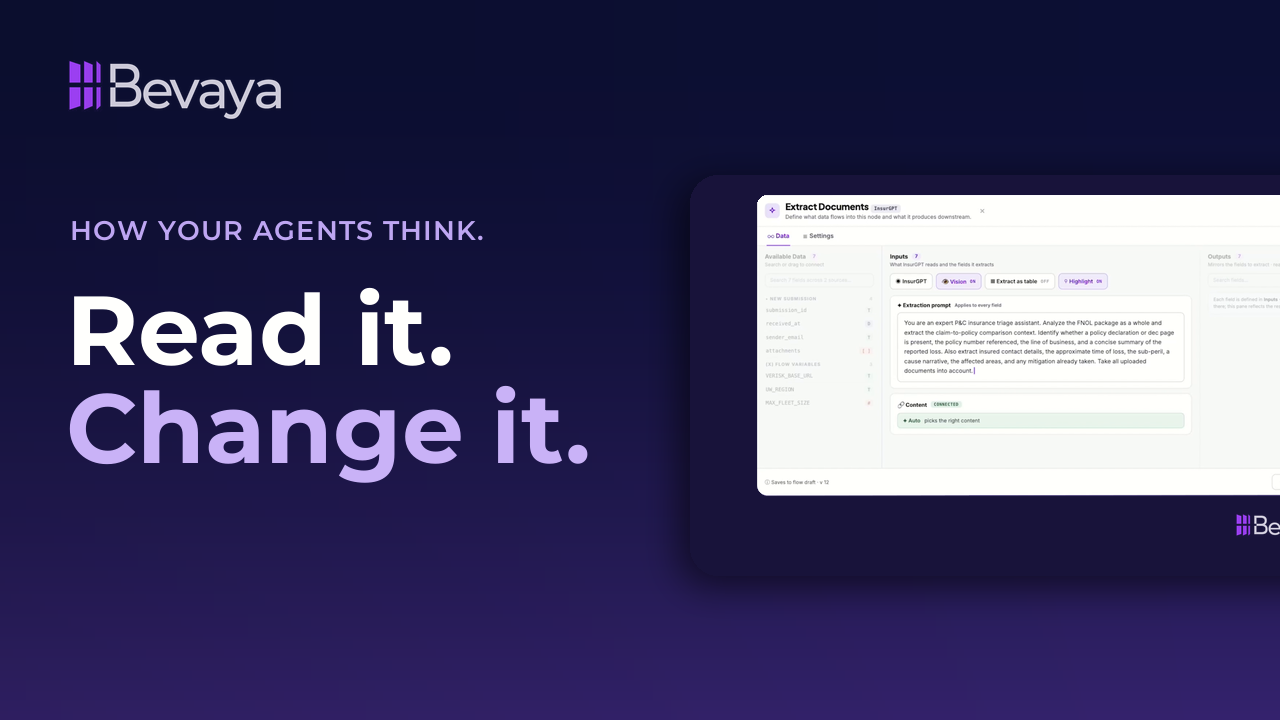
Every step in a Bevaya insurance AI agent is a setting you can read and change. This short product video opens one reading node on an FNOL package. You see the data that came in, what the agent is asked to read or decide, and what it hands downstream. The instruction is in plain language, so your team can edit it.
Each field the agent extracts gets a key, a type and a description, and the description tells the agent how to decide. The model is a setting too, with InsurGPT in the list next to other models. When a step fails, you set the retries and choose what happens next. It's for operations, claims, underwriting and IT leaders who want to see how their AI agents think and act.
Key takeaways
The instruction is yours to change
The prompt sits in plain language inside the node, so your team can read and edit it.
Field descriptions guide the agent
Every extracted field gets a key, a type and a description that acts as an instruction to the agent.
The model is a setting too
InsurGPT, Bevaya's insurance-trained model, sits in the model list beside the other models you can choose.
You decide what a failure means
Set how many times a step retries, then skip it, route it to a recovery step, or stop the run.
Full transcript
Open any reading node and this is what you get. All the data that was sourced prior to this step in the process on the left. What the agent is now being asked to either read or decision in the middle and what it hands downstream on the right. The instruction is in plain language, not compiled into our application. It's yours to change.
Then every field that requires extraction from that prompt automatically gets a key, a type, and a description. The description being an instruction to the AI agent. So a dec page means an actual declarations page, not a policy number quoted in an email.
The model is a setting, too. Our model, InsurGPT, is in the list and so is everyone else's. For reading insurance documents or making decisions with the right insurance context, we recommend using InsurGPT as it outperforms the frontier models on the insurance domain as evidenced on our benchmark page at Bevaya.ai.
And then the part nobody demos. What happens when the step fails? Retry three times, two seconds apart. And if it still fails, you decide. Skip it, route it to a recovery step, or just stop the run entirely. How your agent thinks and acts is a setting, not a secret.
Frequently asked questions
Can you edit the prompt behind an insurance AI agent?
Yes. In Bevaya, the instruction for each agent step is written in plain language inside the node, so your team can read and change it.
How does an AI agent know what each extracted field means?
Each field gets a key, a type and a description, and the description works as an instruction to the agent. In the video, a dec page field means an actual declarations page, so a policy number quoted in an email doesn't count.
Can you choose which AI model an insurance agent uses?
Yes. In Bevaya, the model is a setting on each step. InsurGPT, Bevaya's insurance-trained model, is in the list along with other models, and each one shows what it supports.
What happens when an AI agent step fails?
You decide. In the video, the step retries three times, two seconds apart. If it still fails, you can skip the step, route it to a recovery step, or stop the run.
Related resources
Get new sessions first
New webinars, customer stories, and product videos from Bevaya.
- New webinars and interviews as soon as they go live
- Customer stories from insurers putting AI Agents into production
- Product walkthroughs of new Bevaya capabilities