

A restoration contractor emails an invoice on a Friday afternoon in the middle of a storm surge. There's no claim number, just a policyholder's last name and a street address. By the time someone matches it to a file, checks the fee agreement, and finds an adjuster who can approve it, three weeks have passed. The contractor has called twice.
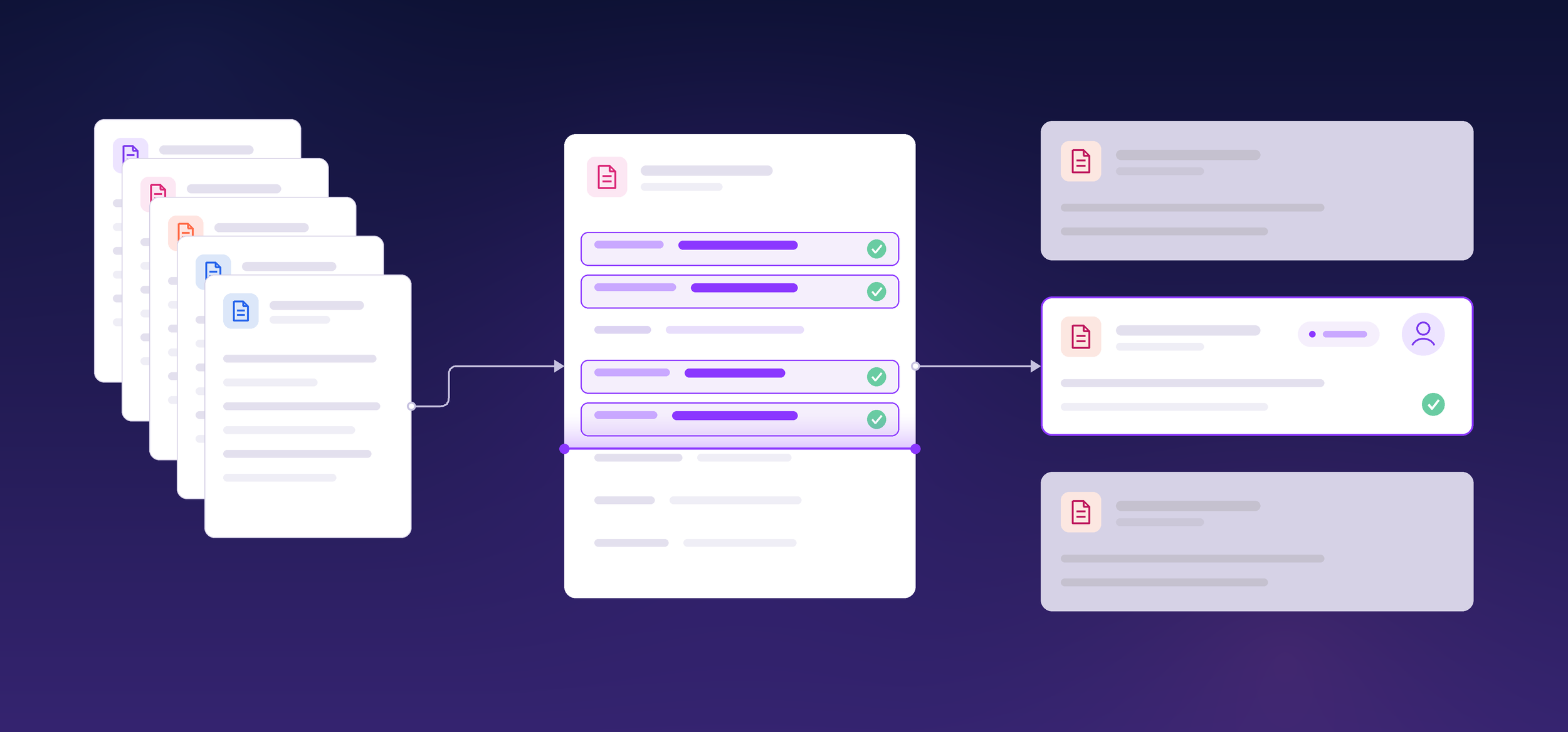
AI automates claims invoice processing by reading each vendor invoice, tying it to the right claim and fee agreement, checking rates and authority, and routing it to the right approver with a recommended action. The main benefits are time back for skilled claims staff, faster payment to vendors, and fewer overpayments.
Why Manual Claims Invoice Processing Falls Behind
Manual processing falls behind because every invoice passes through several people and several systems before anyone can pay it. The work grows with vendor volume, not with headcount, and it creates three problems.
-
Skilled staff spend their time on triage. Adjusters and claims operations staff sort invoices, track down claim numbers, and pull fee agreements before any real review starts. That's adjuster workload that never touches a coverage decision or a policyholder.
-
Every handoff adds days. An invoice waits for someone to classify it, match it, and route it to an approver with the right authority. Each wait adds to claims cycle time, and catastrophe (CAT) season turns a slow queue into a backlog.
-
Reviewers sample when volume spikes. Nobody can check every line of every invoice by hand. Duplicate charges and out-of-agreement rates get through on the invoices nobody had time to read closely.
Most claims teams have outgrown a process designed for lower volume.
What Makes Each Claims Invoice Type Hard to Review?
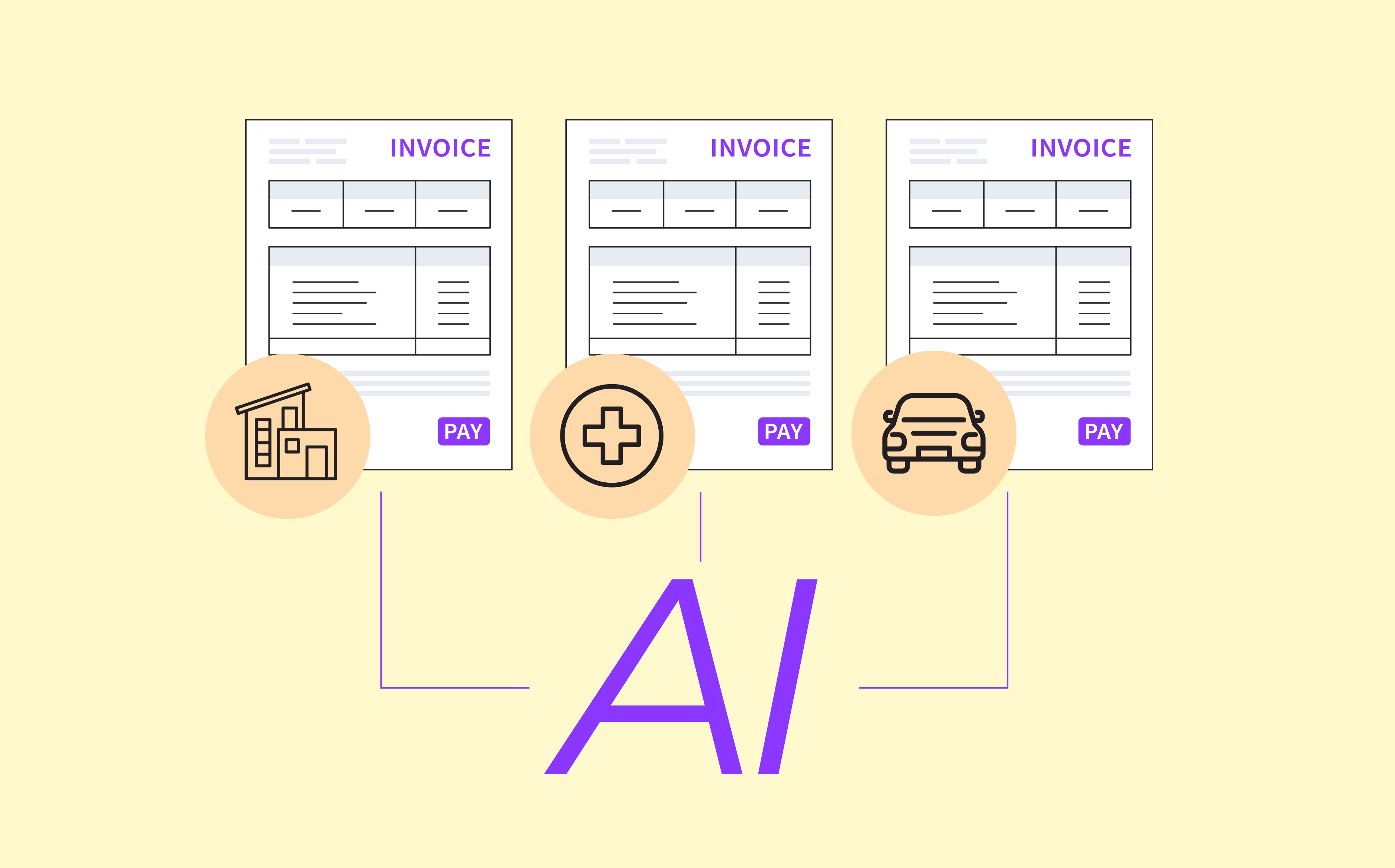
Each vendor type bills in its own format and under its own rules.
-
Defense counsel invoices carry the most rules. Billing guidelines set rate caps, staffing limits, and tasks that need approval first. One invoice can run dozens of time entries. Reviewers have to catch block billing, vague entries like "attention to file," and hours over the adjuster's approval authority.
-
Property restoration invoices arrive in waves. After a storm, mitigation and repair contractors bill for labor, equipment, and materials, often across several invoices on the same loss. Each charge has to fit the authorized scope and dates of service. The same equipment or labor can also turn up on more than one invoice.
-
Auto repair invoices look simple but add up fast. Labor and parts charges need to match the shop's agreed rates or the approved estimate. A supplement to that estimate needs its own approval before the carrier pays it.
-
Independent medical examiner (IME) and expert witness invoices resist a standard check. Fees vary by specialty and by case. Charges for record review, travel, or a missed exam have to match what the adjuster authorized.
The AI agent identifies the vendor type first, then applies that vendor's rules. No reviewer has to remember them all.
What an AI Agent Does With Each Vendor Invoice
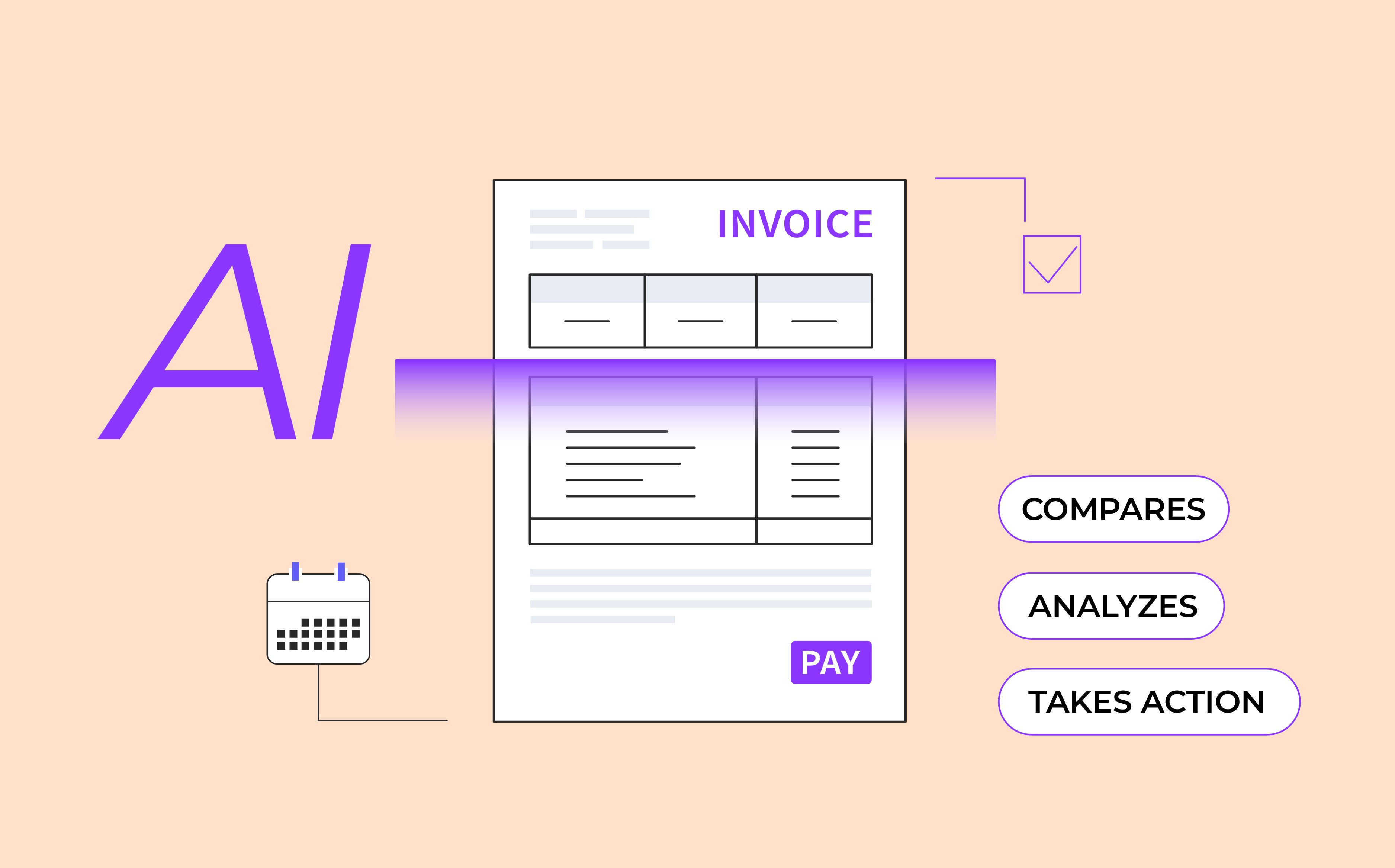
AI invoice processing for insurance claims handles the repeatable work as soon as each invoice arrives. Here's what the AI agent does, in sequence.
-
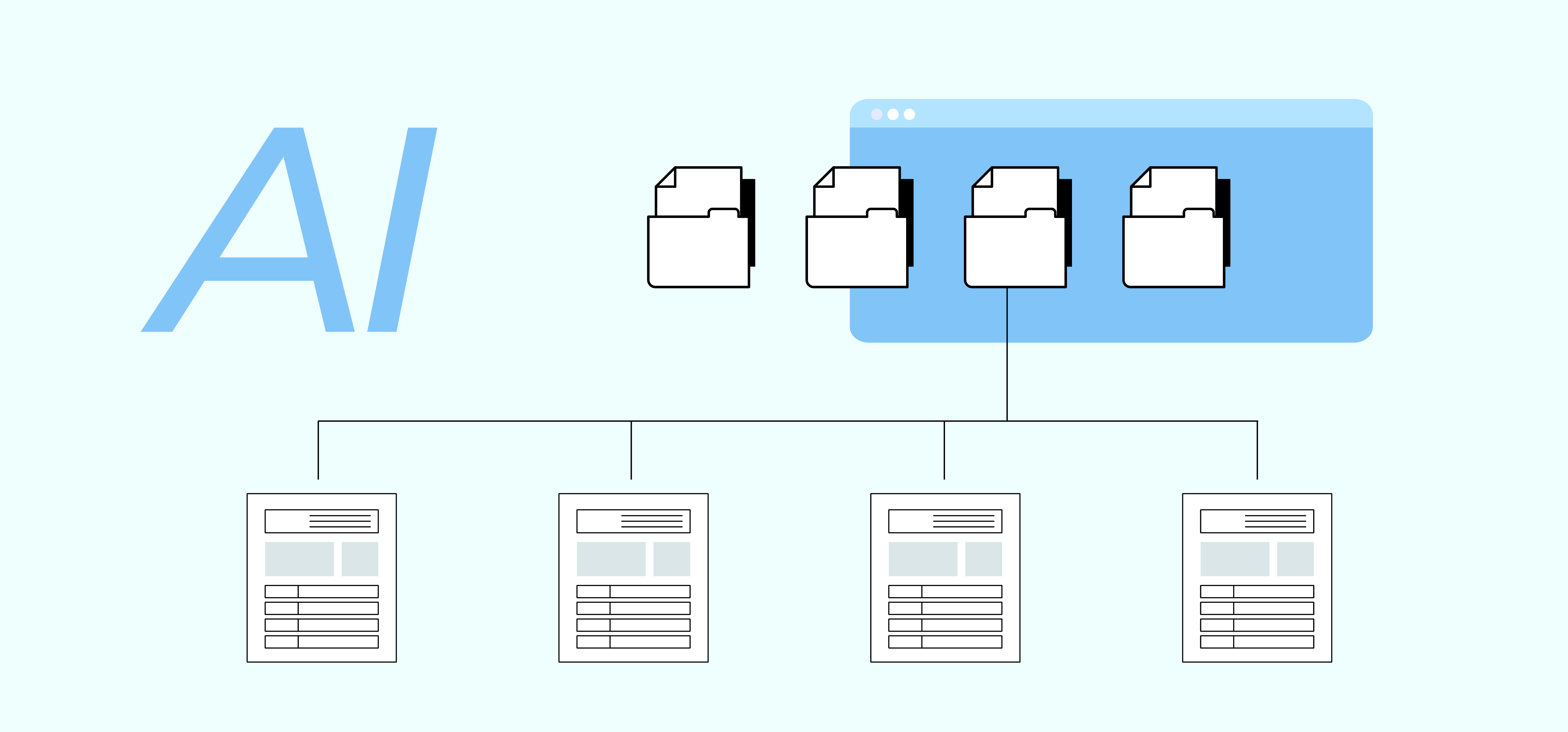
Reads, classifies, and extracts each invoice. It sorts invoices by vendor type and pulls every line item, including dates of service, hours, rates, taxes, and expenses.
-
Compares and analyzes it against the claim. It matches the invoice to the right claim, vendor record, and fee agreement, even when the claim number is missing. It then checks each line against contracted rates, billing guidelines, approval authority, and invoices already paid.
-
Recommends an action. It sends the invoice to the approver with a recommendation to approve, return, escalate, or split.
-
Takes action on the decision. Approved invoices go to the claims system and the accounts payable or ERP (enterprise resource planning) system. Failed invoices go back to the vendor with structured reason codes, and escalations route to the next authority level.
The compare step is how AI catches duplicate payments in insurance claims. If a vendor bills the same charge twice, weeks apart, the AI agent flags it before the second payment goes out.
The AI agent runs around the clock, including overnight, on weekends, and during CAT season. Clean invoices that meet your rules clear without a manual touch, and only the exceptions wait for a person. That's what makes claims payment automation possible without taking the approver out of the decisions that need them.
Does AI Approve Invoice Payments on Its Own?
Only when your rules say it can. Your team sets the business rules, and invoices that meet them, such as straightforward single-invoice claims, can clear without a manual touch. Everything else goes to an approver with clean line items, claim context, every flag explained, and a recommended action.
Claims vendor invoice review no longer starts from a raw invoice. The approver gets clean line items, claim context, every flag explained, and a recommended action.
This is human-in-the-loop AI in practice. Approvers can see which line triggered a flag, which rule it broke, and what in the claim file the AI checked it against.
That visibility creates an audit trail for every payment. When auditors, regulators, or finance ask who approved an invoice and why, the answer is already on file.
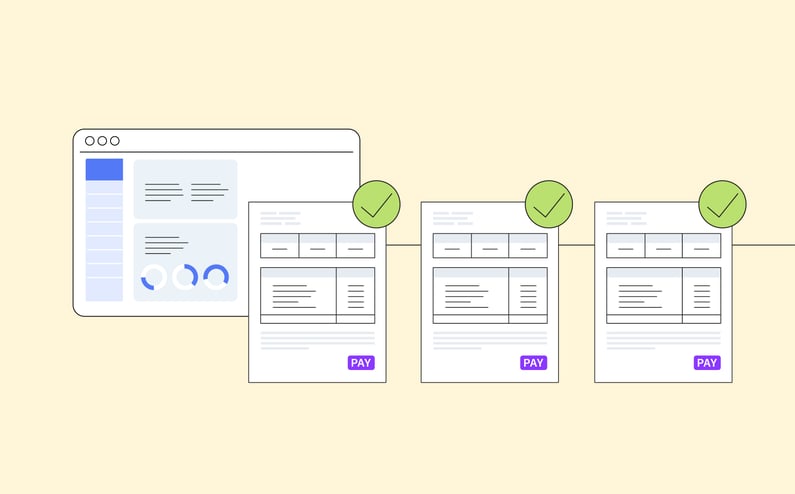
How Approved Invoices Reach the Claims and ERP Systems
Approved invoices move into both systems without anyone rekeying data, and the payment record sits on the claim where adjusters already work.
These handoffs run through API connections to core claims platforms such as Guidewire ClaimCenter and Duck Creek. For operations and IT leaders, that means no separate tool to manage.
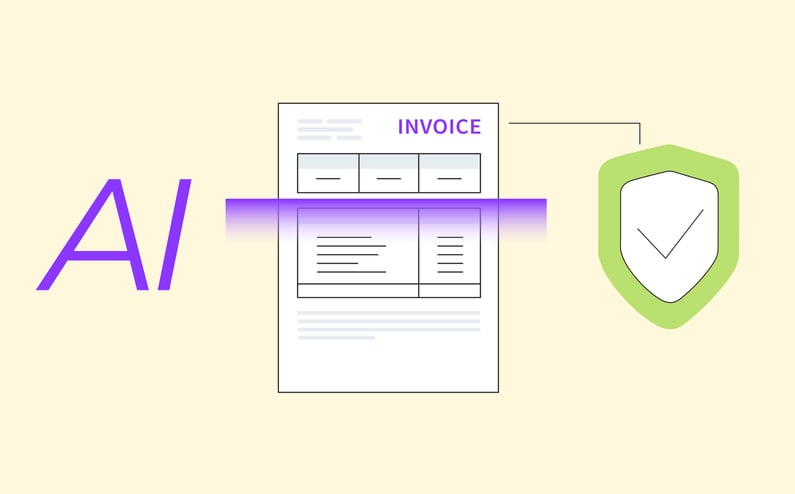
How Does AI Keep Claims Invoice Data Secure?
Claims invoices carry personally identifiable information (PII), including claimant names, addresses, and claim details, and IME and medical invoices can include health information. An AI agent that reads them needs the same controls you'd expect from any core system.
That starts with encryption, and access limits so reviewers see only the invoices and claims their role allows. It also means logging every action and never letting one carrier's data train models or show up in results for another carrier.
What Claims Teams Get From Automating Invoice Processing
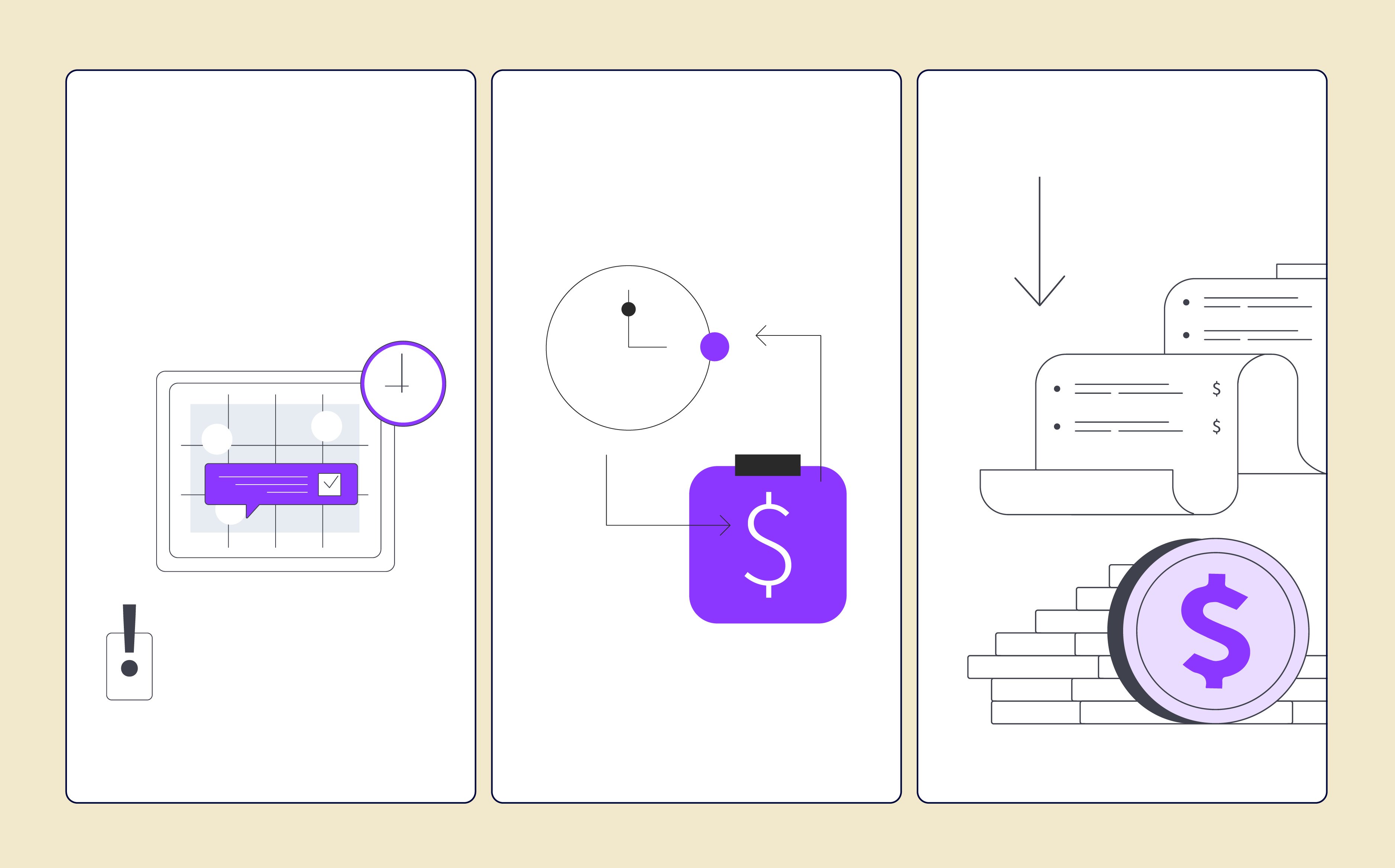
Insurance claims invoice automation with AI pays off in three ways.
The first is time back for skilled staff. Claims teams get back the hours that went to sorting and chasing invoices. They spend that time on claim work that needs judgment. That adds capacity without adding headcount.
The second is faster payment. Invoices clear in days instead of weeks because routine steps no longer wait in a queue. Vendors stop chasing status updates, and firms that get paid on time are easier to keep in your network.
The third is fewer overpayments. Checking every line at intake stops overbilling before it's paid, so carriers stop paying for work that doesn't change the claim outcome. On defense, investigator, and IME invoices, that keeps allocated loss adjustment expense (ALAE) in check.
Vendor billing also gets more consistent over time. Every returned invoice comes with a specific reason code, so vendors learn quickly what will and won't get paid.
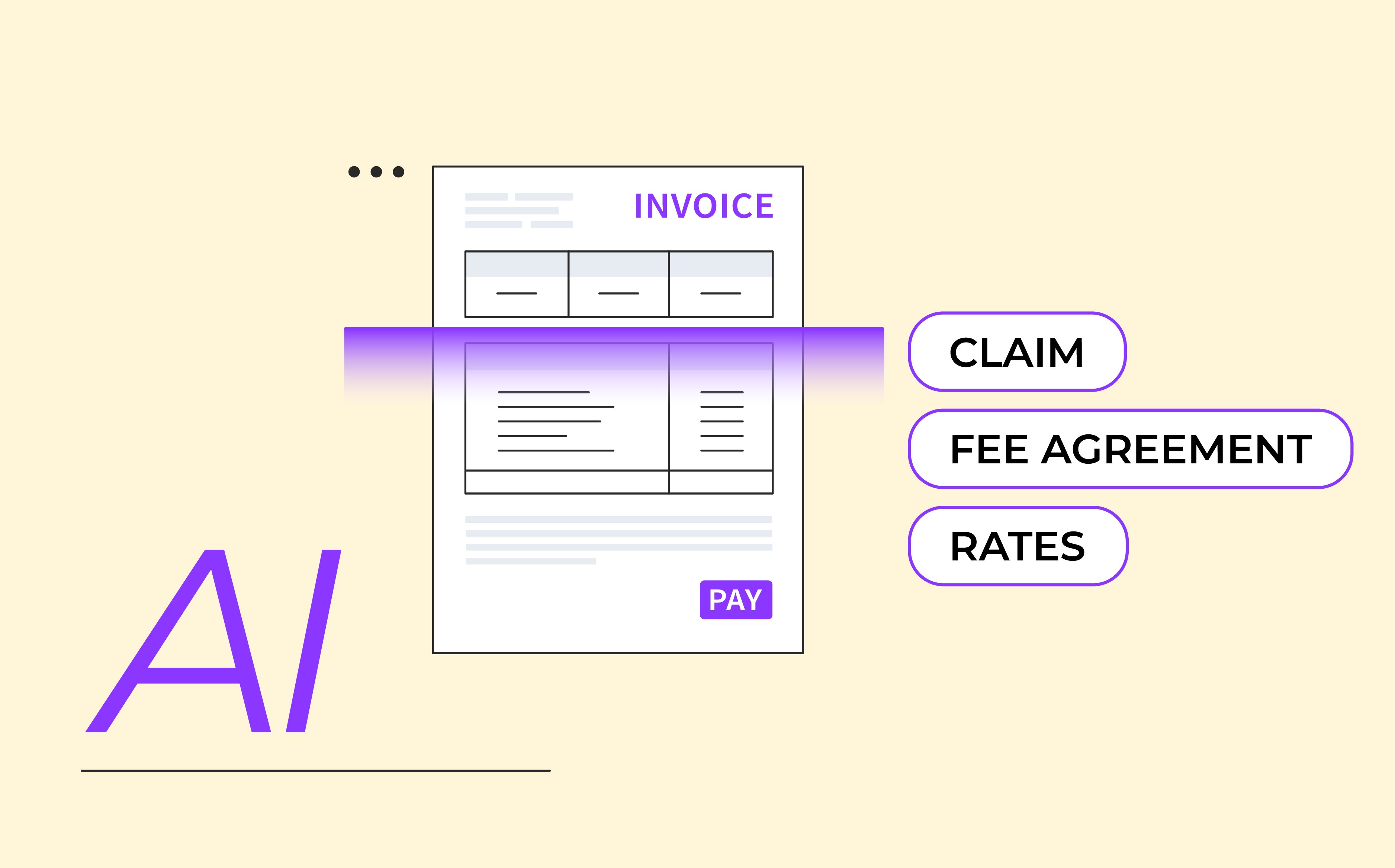
AI reads every vendor invoice the moment it arrives, so it never sits until someone has time to get to it.
That changes where claims teams spend their judgment. AI does the reading, matching, and checking. Approvers review its recommendations, confirm the ones that are right, and save their expertise for the invoices that actually need it.